Best Home Laser Printer · Budget

Best Budget Laser Printer for Home Use

The best budget laser printer for most homes is a compact black-and-white model that still takes high-yield toner: our top pick is the Brother HL-L2405W. The savings usually come from a smaller tray, a starter cartridge in the box and, on entry-level models, manual two-sided printing.

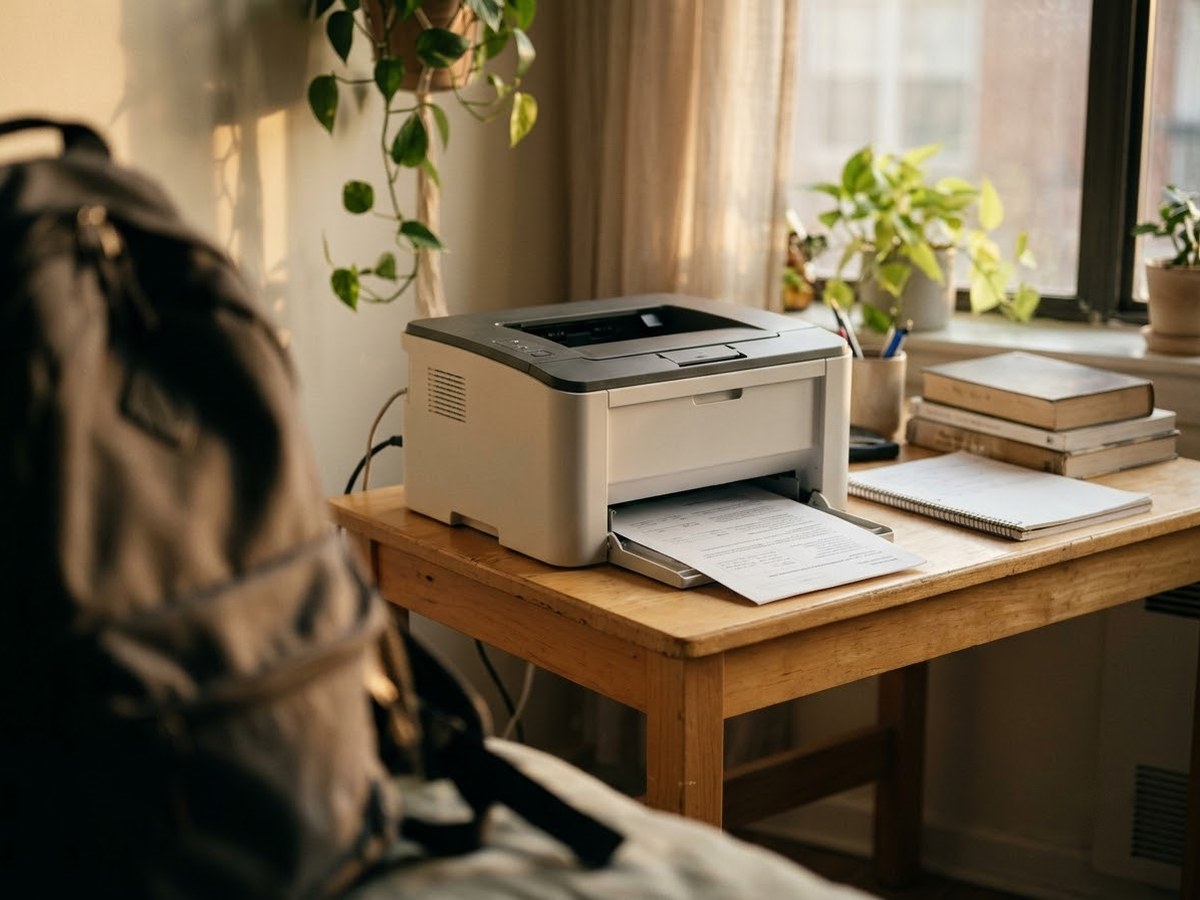
Compact entry-level laser printer on a small apartment desk

Our top 3

Top picks at a glance

Best budget for most homes#1
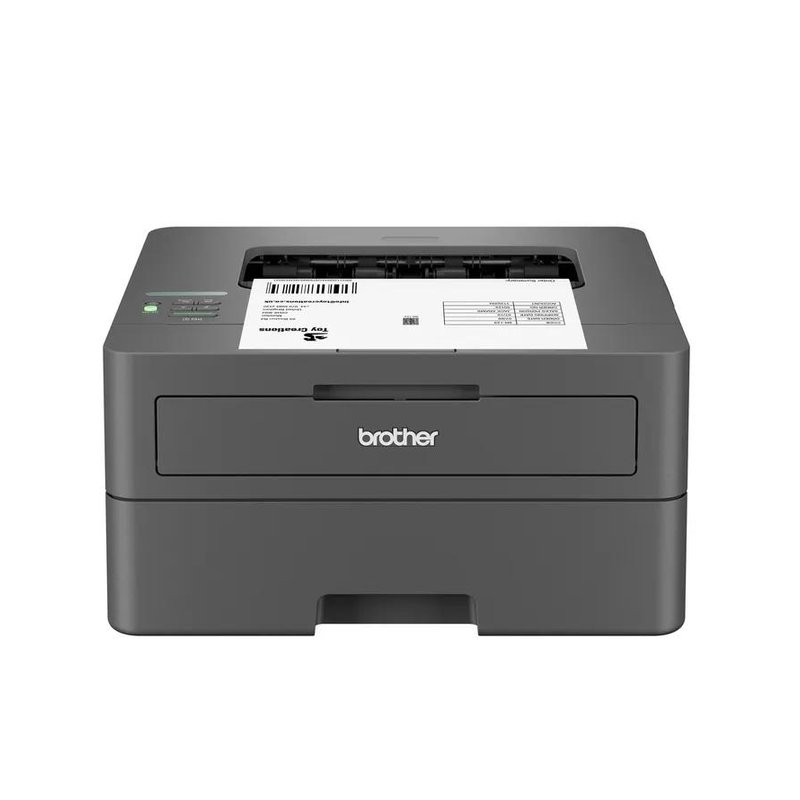
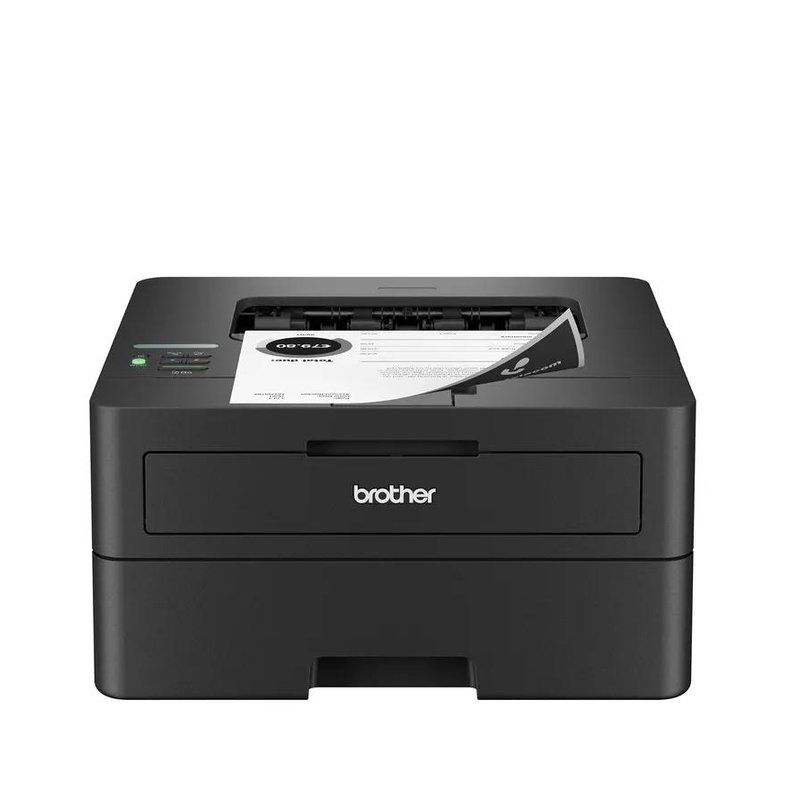
Brother HL-L2405W laser printer

Brother HL-L2405W

Budget price range

Budget tier, with Wi-Fi and the same TN830XL toner as its bigger siblings.

See details ›
Best budget with auto two-sided#2
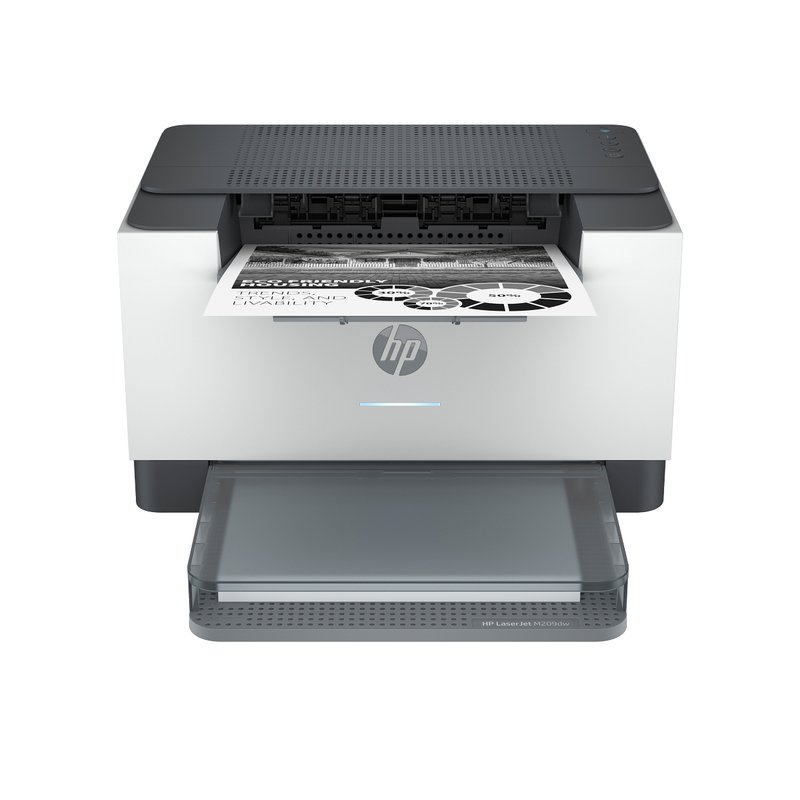
HP LaserJet M209dw laser printer

HP LaserJet M209dw

Budget price range

Automatic two-sided printing, Wi-Fi and Ethernet at a Budget-tier price; mind HP’s cartridge-chip rules.

See details ›
Best budget all-in-one#3
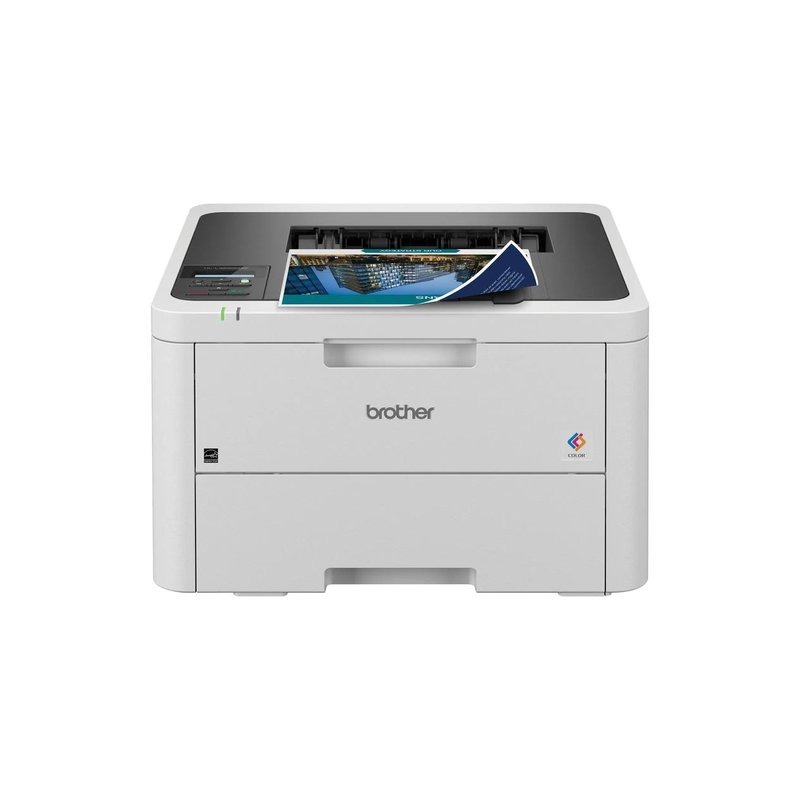
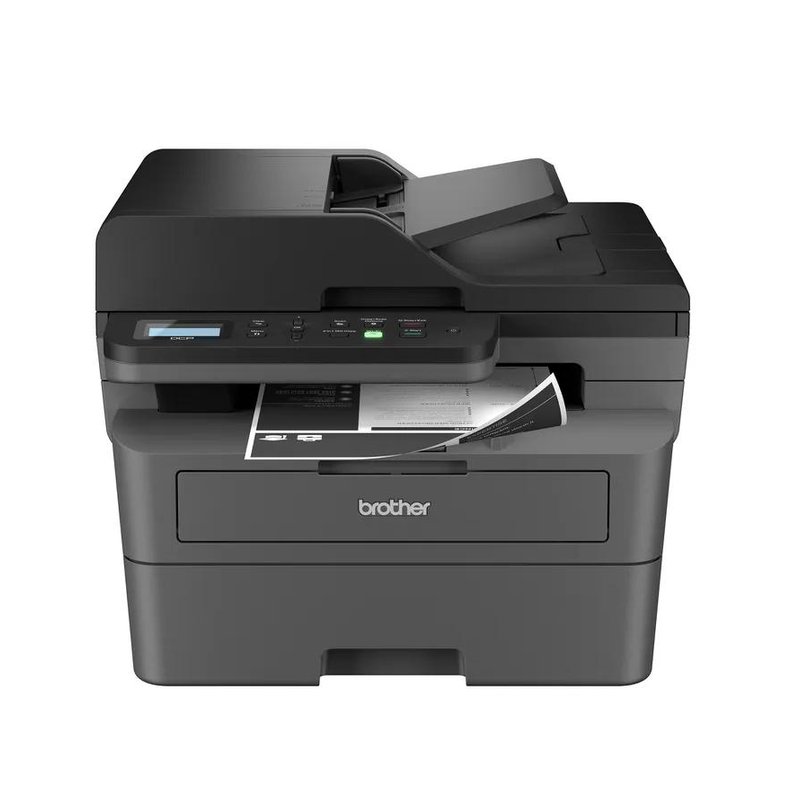
Brother DCP-L2640DW laser printer

Brother DCP-L2640DW

Mid-range price range

Print, scan and copy with a 50-sheet feeder, just above the Budget line.

See details ›

In detail

Who each one suits

Specifications and toner yields are each manufacturer’s own; fit notes draw on independent reviews and manufacturer guidance. We have not tested or used these printers ourselves.

Best budget for most homes#1

Brother HL-L2405W

The simplest way into a Brother laser: Wi-Fi, a 250-sheet tray and the same toner as its bigger siblings, in a small box. The trade-off is that two-sided pages have to be flipped by hand.

Why it stands out

  • Brother rates it at up to 30 pages per minute.
  • Uses TN830 toner (1,200 pages) or TN830XL (3,000 pages), so running costs match the HL-L2460DW.
  • AirPrint, Mopria and Wi-Fi Direct for printing from phones without extra software.
PrintsBlack only, manual 2-sided
SpeedUp to 30 ppm
Scan & copyPrint only
Toner (rated)TN830XL: 3,000 pages
ConnectWi-Fi, USB · AirPrint, Mopria

Good fit if

  • You print a few pages a week, all in black.
  • You want an entry-level Brother laser and do not mind manual two-sided printing.

Skip it if

  • You print long documents double-sided — Brother lists no automatic duplex on this model.
  • You need a wired Ethernet connection; this model has Wi-Fi and USB only.
Best budget with auto two-sided#2

HP LaserJet M209dw

A small, low-cost black-and-white laser with automatic two-sided printing, Wi-Fi and Ethernet. It is the standard version, not the discontinued M209dwe “HP+” model, and HP’s page for it lists no account or internet requirement for printing.

Why it stands out

  • HP rates it at up to 30 pages per minute.
  • HP 134X high-yield toner is rated at about 2,400 pages.
  • HP lists AirPrint, Mopria and Wi-Fi Direct.
PrintsBlack only, auto 2-sided
SpeedUp to 30 ppm
Scan & copyPrint only
Toner (rated)HP 134X: 2,400 pages
ConnectWi-Fi, Ethernet, USB · AirPrint, Mopria

Good fit if

  • You want a Budget-tier laser with auto two-sided printing.
  • You print small batches of black-and-white pages.

Skip it if

  • You want to use third-party toner: HP says the printer works only with cartridges that have a new or reused HP chip.
  • You fill big print jobs; the input tray holds 150 sheets.
Best budget all-in-one#3

Brother DCP-L2640DW

Everything most homes want from a black-and-white all-in-one, minus the fax. It prints, scans and copies, has a 50-sheet document feeder and prints both sides automatically, and it costs less than the MFC-L2820DW.

Why it stands out

  • Brother rates it at up to 36 pages per minute.
  • Flatbed plus a 50-sheet feeder for multi-page scans and copies.
  • TN830XL high-yield toner rated at 3,000 pages; separate drum rated at about 15,000.
PrintsBlack only, auto 2-sided
SpeedUp to 36 ppm
Scan & copyFlatbed + 50-sheet feeder, no fax
Toner (rated)TN830XL: 3,000 pages
ConnectWi-Fi, Ethernet, USB · AirPrint, Mopria

Good fit if

  • You scan and copy but have not faxed in years.
  • You want an all-in-one close to the Budget tier.

Skip it if

  • You need fax.
  • You want a touchscreen; this model has a two-line display.
  • You need to scan both sides of a page in one pass.
Also worth a look

Brother HL-L2460DW

A compact, print-only black-and-white laser that does the basics properly: automatic two-sided printing, Wi-Fi, Ethernet and a 250-sheet tray. If you never scan or copy, it covers everyday home printing for less than an all-in-one.

Why it stands out

  • Brother rates it at up to 36 pages per minute with a first page out in under 8.5 seconds.
  • Takes the same TN830 and TN830XL toner as Brother’s compact all-in-ones, rated at 1,200 and 3,000 pages.
  • A one-sheet manual slot takes heavier paper (up to 61 lb bond) than the main tray.
PrintsBlack only, auto 2-sided
SpeedUp to 36 ppm
Scan & copyPrint only
Toner (rated)TN830XL: 3,000 pages
ConnectWi-Fi, Ethernet, USB · AirPrint, Mopria

Good fit if

  • You print in black and white and scan with your phone when you need to.
  • You want auto two-sided printing at a Budget-tier price.
  • Your printer will sit on a shelf and see light, irregular use.

Skip it if

  • You want to copy or scan on the printer itself.
  • You need color pages for school projects or flyers.

The HL-L2460DW XL version ships with a standard and a high-yield cartridge in the box instead of a starter cartridge, which Brother rates at about 4,200 pages in total.

Also worth a look

Brother HL-L3220CDW

The lower-cost way into Brother’s color printers. It uses the same TN229 toner and separate drum as the HL-L3280CDW and prints both sides automatically, but Brother rates it at a slower 19 pages per minute, and it has a one-line display and no Ethernet port.

Why it stands out

  • Starter cartridges in the box are rated at about 1,000 pages each, black and color.
  • TN229XL cartridges are rated at 3,000 pages black and 2,300 per color.
  • Dual-band Wi-Fi, Wi-Fi Direct and USB, with AirPrint and Mopria.
PrintsColor, auto 2-sided
SpeedUp to 19 ppm
Scan & copyPrint only
Toner (rated)TN229XL: 3,000 black / 2,300 color
ConnectWi-Fi, USB · AirPrint, Mopria

Good fit if

  • You print color now and then and want an entry-level Brother color model.
  • Speed matters less than price.

Skip it if

  • You print long jobs: Consumer Reports notes slow text printing.
  • You want a wired Ethernet connection or a touchscreen.

Want the cheapest printer that stays cheap?

Look past the box price to the high-yield toner and how much comes in the box.

What owners say ›

Tips

Three things that make the difference

01

Expect a starter cartridge

HP says introductory cartridges may print less than replacements; Brother rates the starter in its compact mono lasers at about 700 pages.

02

Compare cost per page

Divide a cartridge’s price by its rated yield, a tip Cartridge World’s Gregory Carafello gives in NBC Select.

03

Check duplex

Brother lists no automatic duplex on the HL-L2405W; the HL-L2460DW and HP M209dw print both sides on their own.

Honest note

The cheapest printer is not always the cheapest to own. HP says the M209dw works only with cartridges that have a new or reused HP chip, which limits cheaper third-party toner. Brother says its firmware updates do not block third-party cartridges.

FAQ

Questions people ask

What is the cheapest laser printer worth buying?

One that still takes a high-yield cartridge and suits how you print. The Brother HL-L2405W and HP LaserJet M209dw are both Budget-tier, print-only black-and-white lasers with Wi-Fi.

Why is the printer cheap but the toner expensive?

Printer makers often recover their margin on supplies. NBC Select says makers often sell printers at a loss or minimal profit, and HP’s CEO has said HP makes its money on supplies.

How many pages does the toner in the box print?

It varies. Brother rates the starter in its compact mono lasers at about 700 pages, while some models ship with full cartridges; Brother’s HL-L6310DW includes a 6,000-page cartridge.

Is a budget laser cheaper than an inkjet over time?

For black-and-white text, usually. Consumer Reports found many inkjets used much of their ink on maintenance under intermittent use, while lasers use no maintenance ink.

Can I use third-party toner to save money?

With Brother, Brother has said its firmware updates do not block third-party toner, though it recommends its own. With the HP M209dw, HP says non-HP-chip cartridges are blocked.

Do budget lasers have Wi-Fi?

Yes. The Brother HL-L2405W and HP M209dw both list Wi-Fi, AirPrint and Mopria. The HL-L2405W has no Ethernet port.

Spend less now without paying more later

Want the full picture? See our best home laser printer, compared by how you print, and the FAQ on toner, setup and running costs.