Best Home Laser Printer · Color

Best Color Laser Printer for Home Use

For most homes that want color, the best pick is a compact color laser with automatic two-sided printing and high-yield toner: our top choice is the Brother HL-L3280CDW. Color lasers are great for charts, flyers and school projects, and their toner does not dry out between jobs. They are not photo printers, and they need four cartridges instead of one.

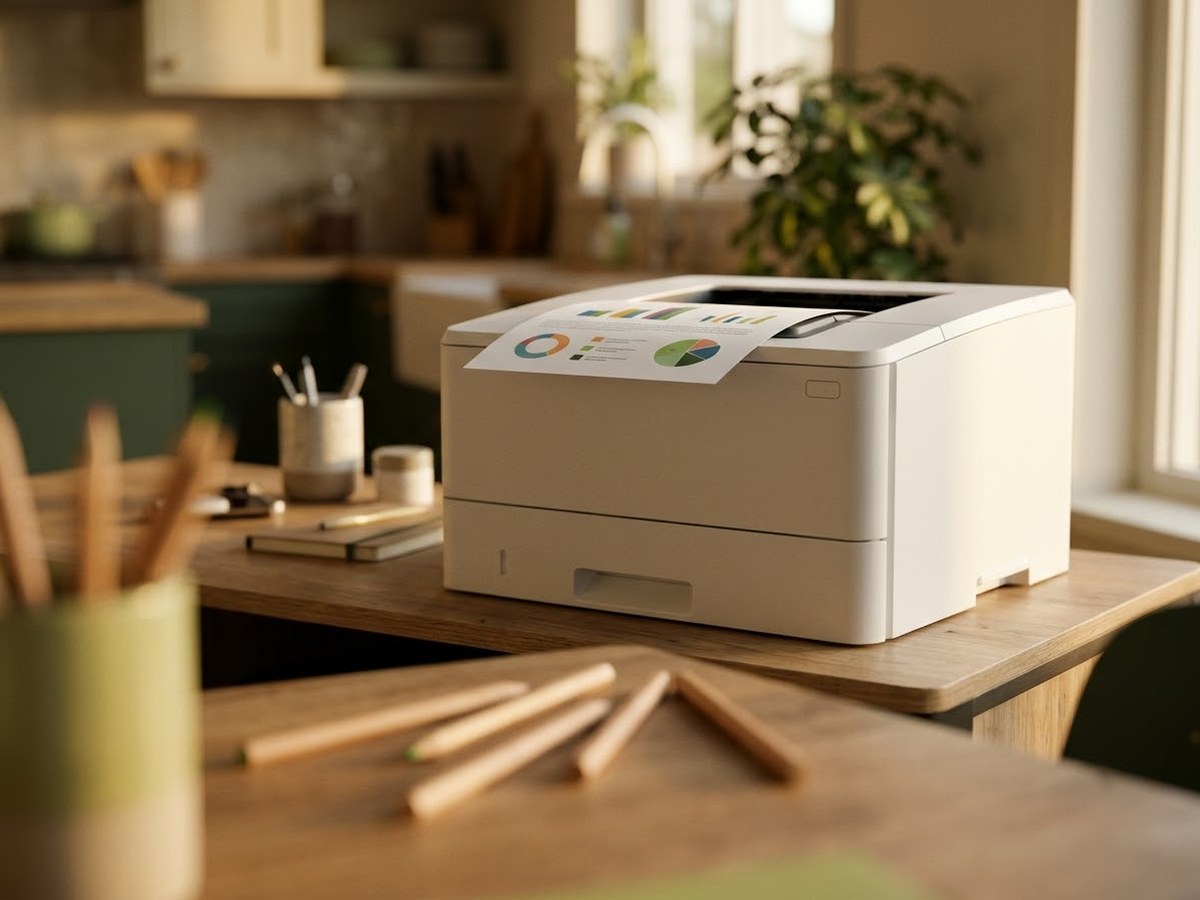
White color laser printer on a family desk printing a colorful chart page

Our top 3

Top picks at a glance

Best color laser for most homes#1
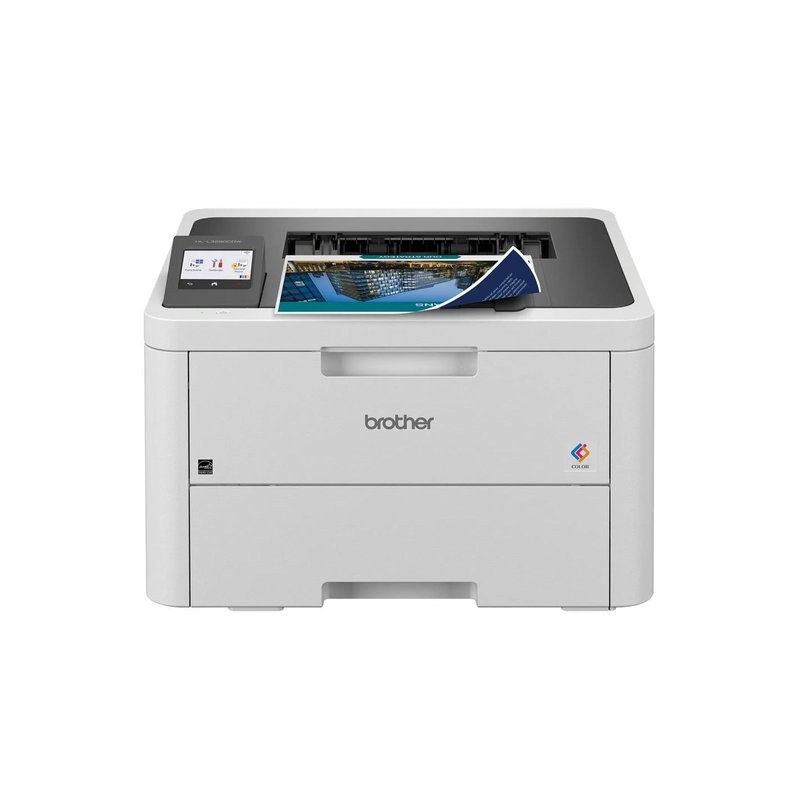
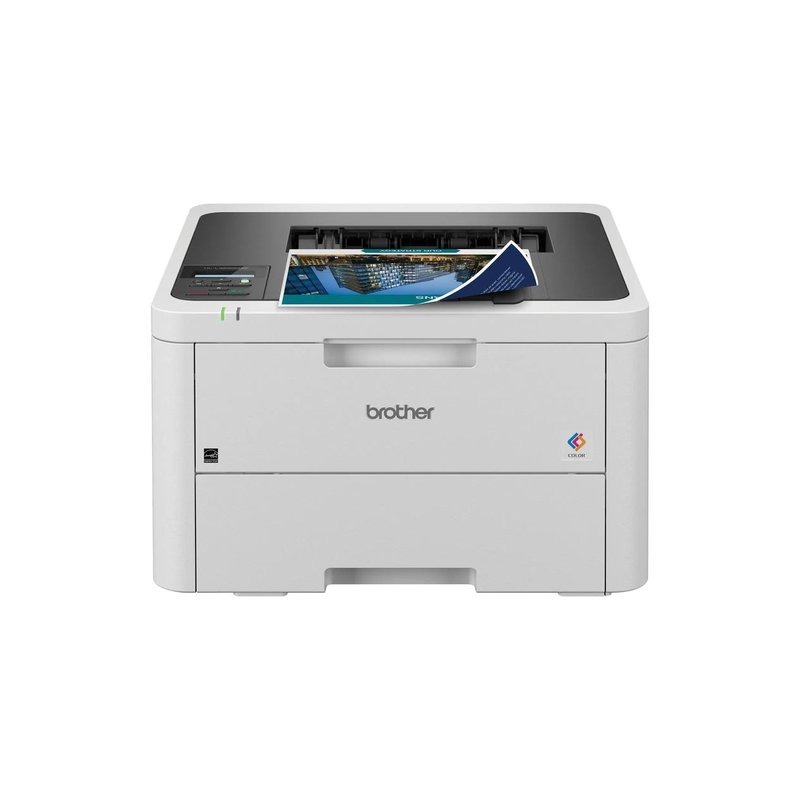
Brother HL-L3280CDW laser printer

Brother HL-L3280CDW

Mid-range price range

Auto two-sided printing, a 2.7-inch touchscreen, Gigabit Ethernet and 1,000-page starter cartridges in the box.

See specs ›
Best HP color laser#2
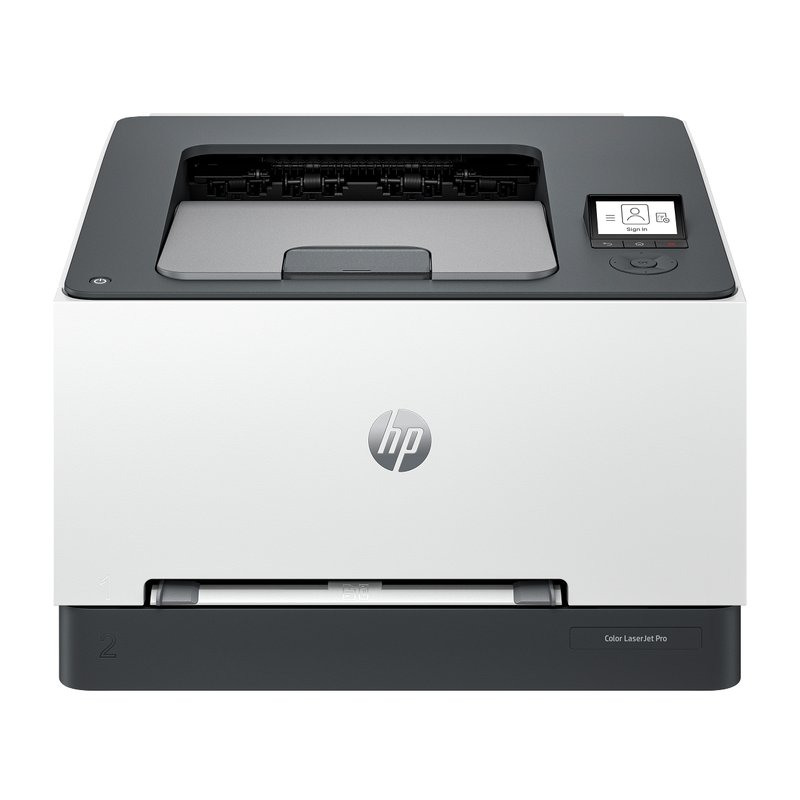
HP Color LaserJet Pro 3201dw laser printer

HP Color LaserJet Pro 3201dw

Mid-range price range

Fast dual-band Wi-Fi, auto two-sided printing and 218X toner HP rates at about 3,200 black and 2,500 color pages.

See specs ›
Best color with scanning#3
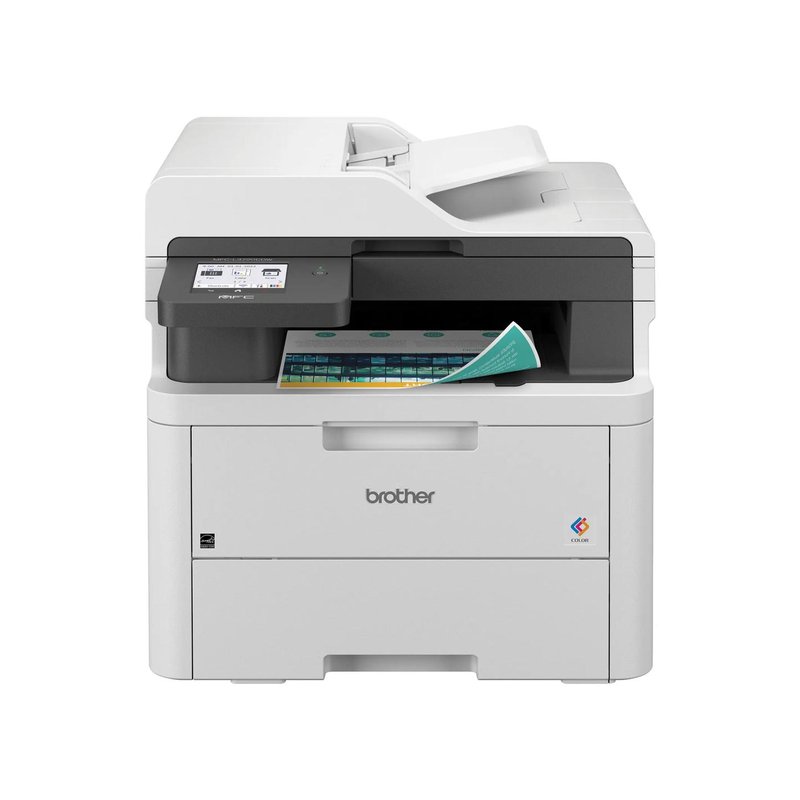
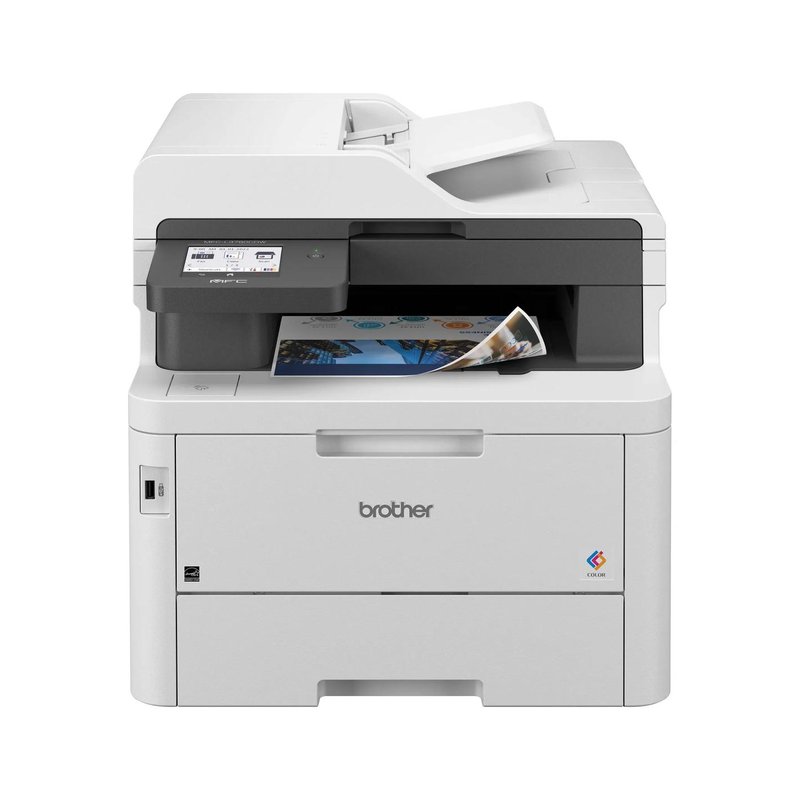
Brother MFC-L3780CDW laser printer

Brother MFC-L3780CDW

Premium price range

Adds a single-pass two-sided scanner, fax and super-high-yield TN229XXL toner.

See specs ›

In detail

Who each one suits

Specifications and toner yields are each manufacturer’s own; fit notes draw on independent reviews and manufacturer guidance. We have not tested or used these printers ourselves.

Best color laser for most homes#1

Brother HL-L3280CDW

The color printer for a home that mostly prints documents but wants color when it matters. It prints both sides automatically, has a 2.7-inch touchscreen and fast wired and wireless networking, and Brother rates it at up to 27 pages per minute in color and black.

Why it stands out

  • High-yield TN229XL cartridges are rated at 3,000 pages black and 2,300 pages per color.
  • Starter cartridges in the box are rated at about 1,000 pages each, more than many printers include.
  • The drum, belt and waste-toner box are separate parts, so a worn part does not mean a new printer.
PrintsColor (LED), auto 2-sided
SpeedUp to 27 ppm
Scan & copyPrint only
Toner (rated)TN229XL: 3,000 black / 2,300 color
ConnectWi-Fi, Gigabit Ethernet, USB · AirPrint, Mopria

Good fit if

  • You print school projects, charts and flyers as well as black documents.
  • You want color without an inkjet’s drying-out problem.
  • You scan with your phone or do not need a scanner.

Skip it if

  • You print photos often — Consumer Reports says lasers do worse than inkjets on photos.
  • You need to scan or copy; the MFC-L3780CDW adds that.

Strictly speaking this is an LED printer: Brother lists its print technology as “Digital Color LED” with “laser quality output.” It uses toner cartridges and a drum like the laser models on this page.
Best HP color laser#2

HP Color LaserJet Pro 3201dw

HP’s compact color laser for home and small office. It prints both sides automatically and connects over fast Wi-Fi and Gigabit Ethernet. TechRadar recommends it in its laser printer guide.

Why it stands out

  • HP rates it at up to 26 pages per minute in black and color.
  • HP 218X cartridges are rated at about 3,200 pages black and 2,500 per color.
  • A one-sheet priority feed; HP lists labels, envelopes and cardstock, and postcards up to 176 g/m².
PrintsColor, auto 2-sided
SpeedUp to 26 ppm
Scan & copyPrint only
Toner (rated)HP 218X: 3,200 black / 2,500 color
ConnectWi-Fi, Gigabit Ethernet, USB · AirPrint, Mopria

Good fit if

  • You want color and prefer HP’s app and support.
  • You print color only now and then, so toner lasts.

Skip it if

  • You want to use cheaper third-party toner: HP says it may prevent cartridges with non-HP chips from working.
  • You want a touchscreen; it has a small two-inch display.

HP says this model does not support an Instant Ink plan, so there is no toner subscription to manage.

Best color with scanning#3

Brother MFC-L3780CDW

The all-in-one to pick if you want color and you scan a lot. Its 50-sheet document feeder scans both sides of a page in a single pass, it faxes, and it takes Brother’s super-high-yield TN229XXL toner. Forbes Vetted names it its best home office printer.

Why it stands out

  • Brother rates it at up to 31 pages per minute and lists a 3.5-inch touchscreen.
  • Starter toner in the box is rated at about 2,300 pages black and 1,200 per color.
  • Super-high-yield TN229XXL cartridges are rated at 4,500 pages black and 4,000 pages per color.
PrintsColor (LED), auto 2-sided
SpeedUp to 31 ppm
Scan & copySingle-pass 2-sided scan, 50-sheet feeder, fax
Toner (rated)TN229XXL: 4,500 black / 4,000 color
ConnectWi-Fi, Gigabit Ethernet, USB, NFC · AirPrint, Mopria

Good fit if

  • You scan stacks of two-sided paperwork, receipts or school forms.
  • You print in color every week.
  • You want a USB port on the front and an optional second paper tray.

Skip it if

  • Desk space is tight: Brother lists it at about 48 pounds.
  • You rarely scan; the print-only HL-L3280CDW costs much less.

Like Brother’s other color models here, Brother lists it as a Digital Color LED printer with laser-quality output.

Also worth a look

Brother HL-L3220CDW

The lower-cost way into Brother’s color printers. It uses the same TN229 toner and separate drum as the HL-L3280CDW and prints both sides automatically, but Brother rates it at a slower 19 pages per minute, and it has a one-line display and no Ethernet port.

Why it stands out

  • Starter cartridges in the box are rated at about 1,000 pages each, black and color.
  • TN229XL cartridges are rated at 3,000 pages black and 2,300 per color.
  • Dual-band Wi-Fi, Wi-Fi Direct and USB, with AirPrint and Mopria.
PrintsColor, auto 2-sided
SpeedUp to 19 ppm
Scan & copyPrint only
Toner (rated)TN229XL: 3,000 black / 2,300 color
ConnectWi-Fi, USB · AirPrint, Mopria

Good fit if

  • You print color now and then and want an entry-level Brother color model.
  • Speed matters less than price.

Skip it if

  • You print long jobs: Consumer Reports notes slow text printing.
  • You want a wired Ethernet connection or a touchscreen.
Also worth a look

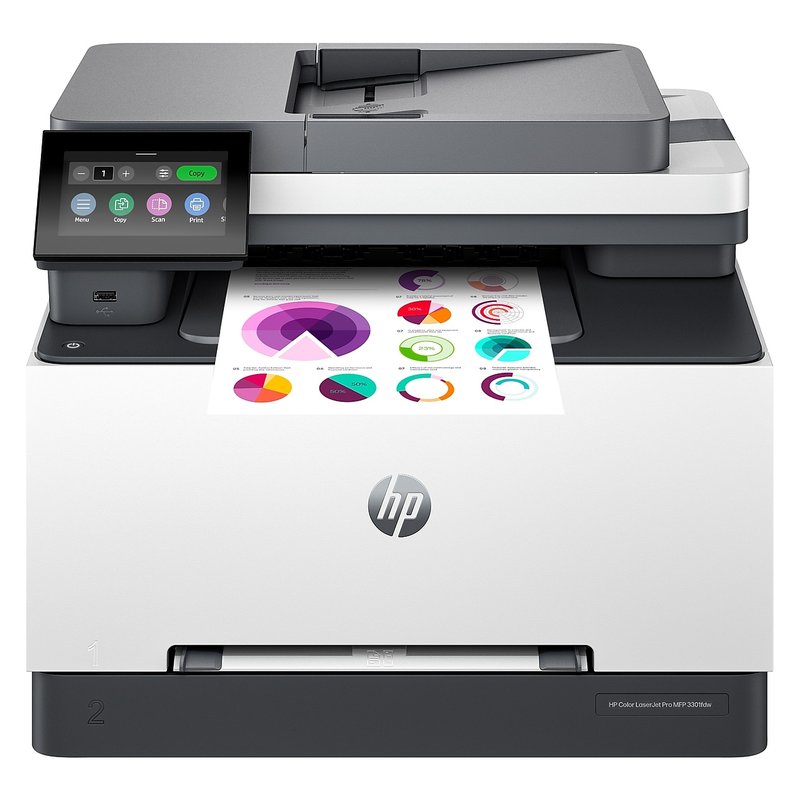
HP Color LaserJet Pro MFP 3301fdw

HP’s color all-in-one with fax and a 4.3-inch touchscreen. HP says it scans and copies both sides of a page in one pass.

Why it stands out

  • HP rates it at up to 26 pages per minute in black and color.
  • Uses the same HP 218A and 218X toner as the 3201dw.
  • A USB host port for printing from and scanning to a flash drive.
PrintsColor, auto 2-sided
SpeedUp to 26 ppm
Scan & copySingle-pass 2-sided scan, document feeder, fax
Toner (rated)HP 218X: 3,200 black / 2,500 color
ConnectWi-Fi, Gigabit Ethernet, USB · AirPrint, Mopria

Good fit if

  • You want an HP color all-in-one that handles two-sided scans quickly.

Skip it if

  • Price matters: it sits in the Premium tier, above Brother’s similar MFC-L3780CDW at list price.
  • You want to use third-party toner.

HP’s answers on its own product page put the in-box toner at roughly 600 black and 500 color pages, so plan on buying cartridges early.

Also worth a look

Brother MFC-L3720CDW

A cheaper route to a color all-in-one with fax. It shares the toner and touchscreen of the MFC-L3780CDW, but Brother rates it at a slower 19 pages per minute, and its feeder scans one side at a time.

Why it stands out

  • Prints, scans, copies and faxes in color.
  • TN229XL cartridges rated at 3,000 pages black and 2,300 per color.
  • Starter cartridges rated at about 1,000 pages each.
PrintsColor (LED), auto 2-sided
SpeedUp to 19 ppm
Scan & copyFlatbed + 50-sheet feeder, fax
Toner (rated)TN229XL: 3,000 black / 2,300 color
ConnectWi-Fi, USB · AirPrint, Mopria

Good fit if

  • You want color copies and scans at home without paying for top speed.
  • You connect over Wi-Fi or USB and do not need Ethernet.

Skip it if

  • You need wired Ethernet: Brother lists none on this model.
  • You scan two-sided documents often.

Printing more color than you expected?

Compare the high-yield color cartridges, not just the printer price: that is where color costs add up.

See ratings & reviews ›

Tips

Three things that make the difference

01

Count the cartridges

A color laser takes black plus cyan, magenta and yellow. TechRadar notes color lasers need a cartridge for each color and often a separate imaging drum for each.

02

Expect higher color costs

Digital Trends puts typical color laser pages at around 12 to 20 cents, several times a black-and-white page. Print drafts in black and white.

03

Keep photos on an inkjet

Consumer Reports says lasers do not match inkjets on photos and graphics, and Brother warns against inkjet paper in its lasers.

Honest note

Brother’s color models on this page are technically LED printers: Brother lists them as “Digital Color LED” with laser-quality output. They use toner and a drum like a laser. HP’s color picks use dynamic security, which HP says may block cartridges with non-HP chips.

FAQ

Questions people ask

Is a color laser printer worth it for home use?

It is worth it if you print color pages regularly and want them smudge-free and fast. If color is rare, a black-and-white laser is cheaper to buy and run. If you print photos, an inkjet does a better job, according to Consumer Reports.

How much does color laser printing cost per page?

Digital Trends puts typical color laser pages at around 12 to 20 cents, and black pages at a few cents. High-yield cartridges, such as Brother’s TN229XL rated at 2,300 pages per color, lower the cost per page.

Can a color laser print photos?

It can print pictures on plain or laser-safe paper, but not on glossy inkjet photo paper. Brother says not to use inkjet paper in its lasers. For frequent photo printing, buy an inkjet photo printer.

What is the difference between a color laser and an LED printer?

Both use toner and a drum, and fix the toner to the page with heat. Brother lists its HL-L3280CDW as a Digital Color LED printer with laser-quality output, so for buying purposes it works like a color laser.

How long do color toner cartridges last?

Rated yields are measured with the ISO/IEC 19798 test, which HP describes as printing a set of mixed text and graphics pages. Brother rates TN229XL color cartridges at 2,300 pages each and HP rates 218X color cartridges at about 2,500. Heavy graphics use more.

Do color laser printers need a subscription?

No. HP says its Color LaserJet Pro 3201dw does not support an Instant Ink plan, and Brother’s Refresh EZ Print plan is optional. You can buy cartridges as you need them.

Color when you need it, crisp text every day

Want the full picture? See our best home laser printer, compared by how you print, and the FAQ on toner, setup and running costs.