Best Home Laser Printer · All-in-one (with scanner)

Best All-in-One Laser Printer for Home: Print, Scan and Copy

The best all-in-one laser printer for most homes is a black-and-white model with a document feeder and fax: our top pick is the Brother MFC-L2820DW. An all-in-one prints, scans and copies, and a document feeder handles multi-page stacks. If you need color, or scan two-sided paperwork often, step up to a model with single-pass duplex scanning.

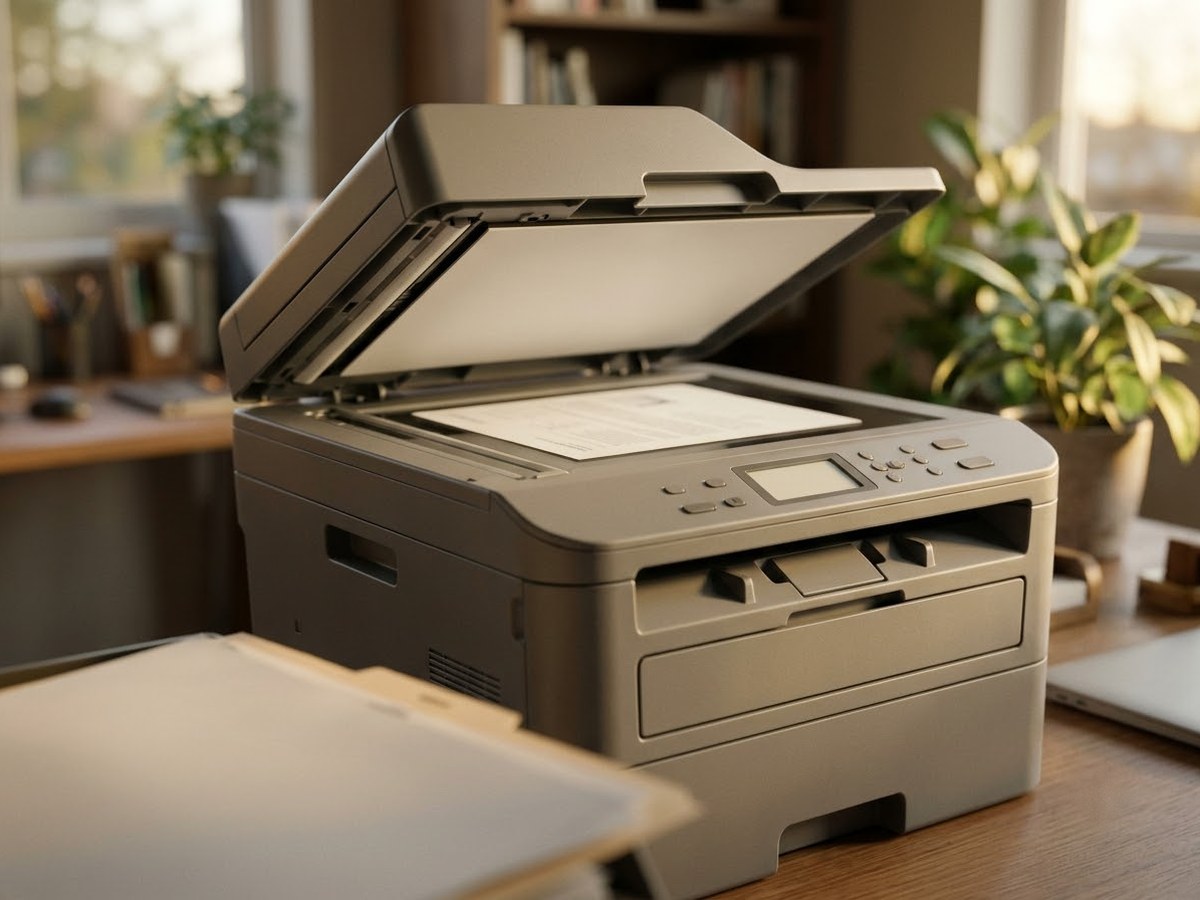
Laser all-in-one printer with the scanner lid raised and a document on the glass

Our top 3

Top picks at a glance

Best all-in-one for most homes#1
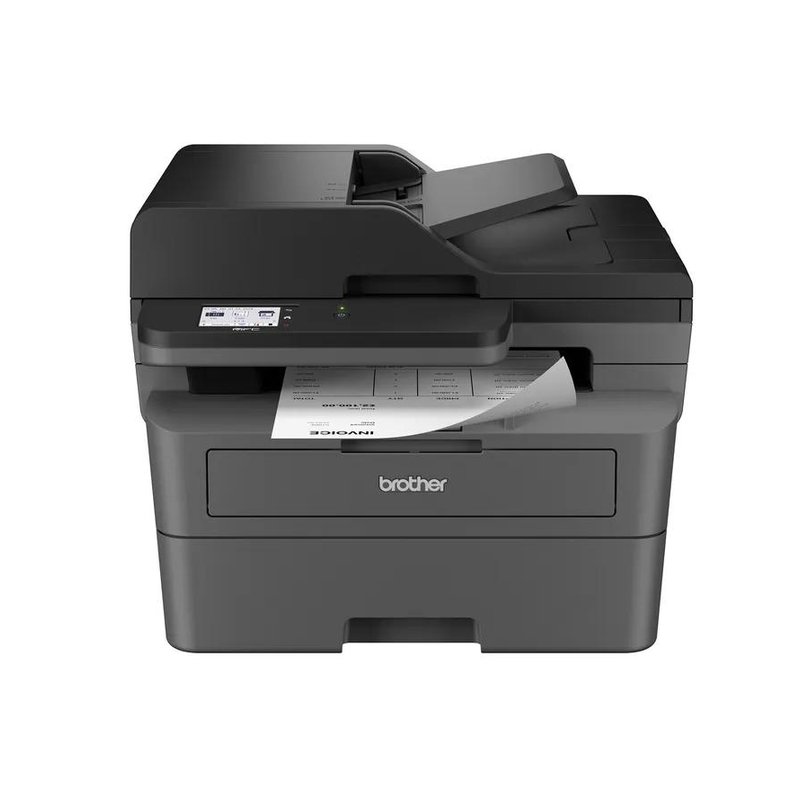
Brother MFC-L2820DW laser printer

Brother MFC-L2820DW

Mid-range price range

Print, scan, copy and fax with a 50-sheet feeder, touchscreen and auto two-sided printing.

Read reviews ›
Best color all-in-one#2
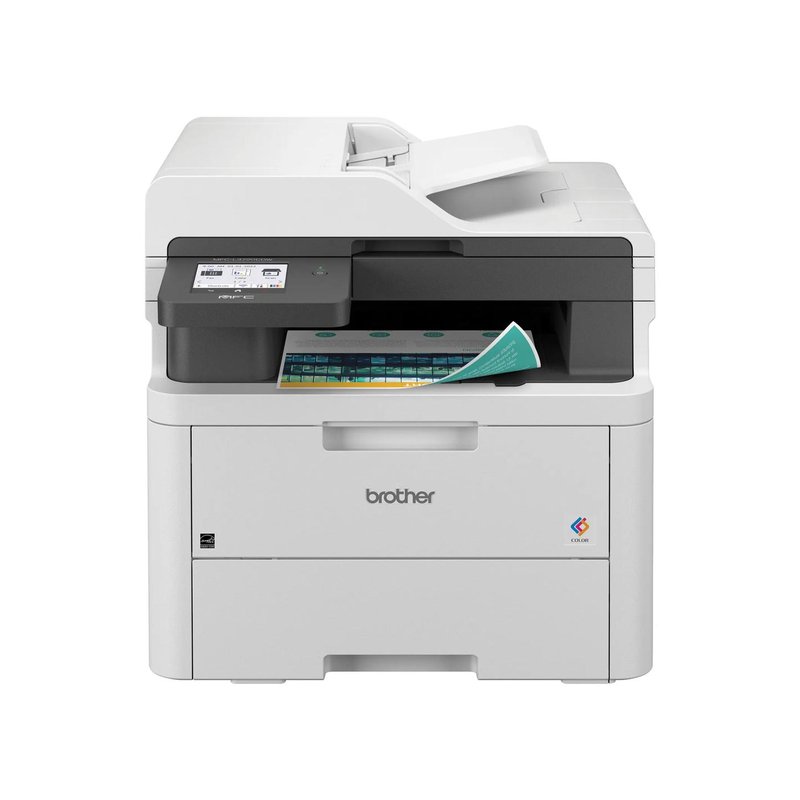
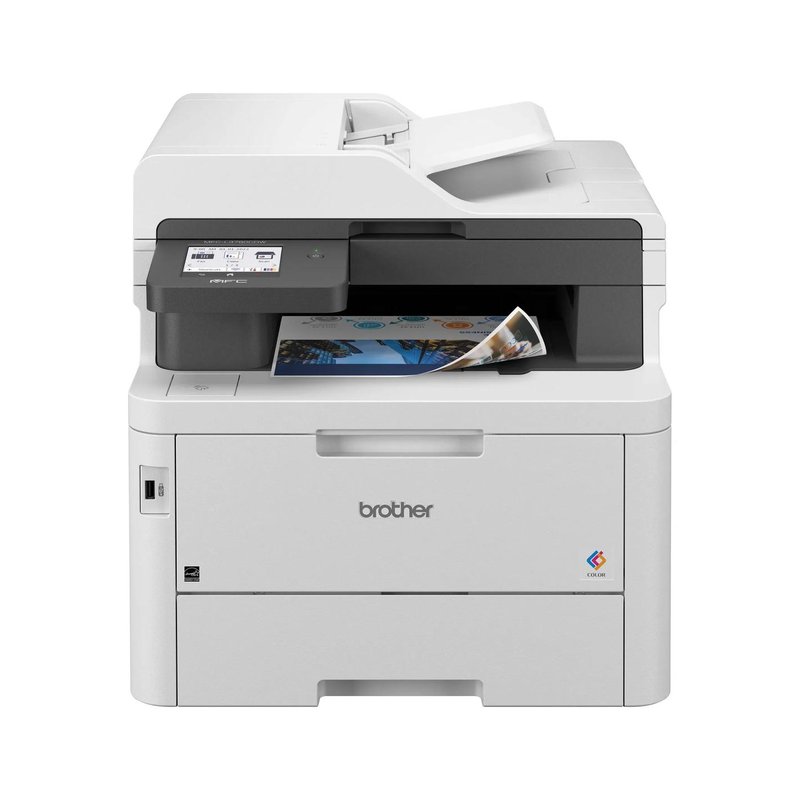
Brother MFC-L3780CDW laser printer

Brother MFC-L3780CDW

Premium price range

Single-pass two-sided scanning, fax and super-high-yield color toner.

Read reviews ›
Best without fax#3
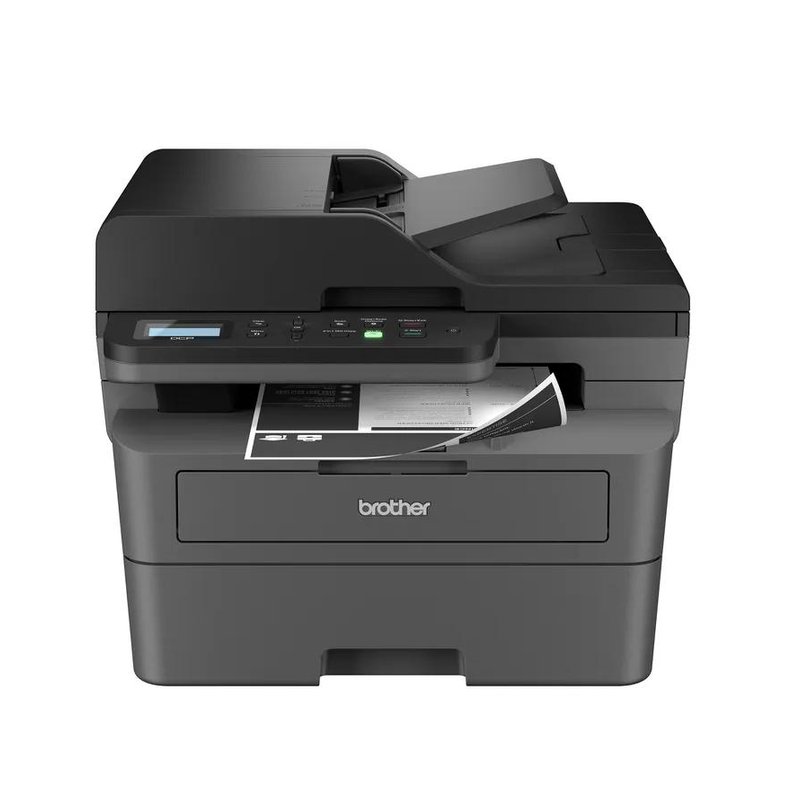
Brother DCP-L2640DW laser printer

Brother DCP-L2640DW

Mid-range price range

The same TN830 toner and 50-sheet feeder as the MFC-L2820DW, minus the fax.

Read reviews ›

In detail

Who each one suits

Specifications and toner yields are each manufacturer’s own; fit notes draw on independent reviews and manufacturer guidance. We have not tested or used these printers ourselves.

Best all-in-one for most homes#1

Brother MFC-L2820DW

For most homes that print mainly black-and-white documents, this is the one to start with. It prints, scans, copies and faxes, prints both sides of the page on its own, and has a 50-sheet document feeder for multi-page scans. Brother rates it at up to 34 pages per minute.

Why it stands out

  • Brother rates it at up to 34 pages per minute, with automatic two-sided printing and a 2.7-inch color touchscreen.
  • High-yield TN830XL toner is rated at 3,000 pages, and the drum is a separate part Brother rates at about 15,000 pages.
  • Prints from phones and laptops over Wi-Fi, Ethernet or USB, with AirPrint and Mopria built in; Brother’s toner subscription is optional.
PrintsBlack only, auto 2-sided
SpeedUp to 34 ppm
Scan & copyFlatbed + 50-sheet feeder, fax
Toner (rated)TN830XL: 3,000 pages
ConnectWi-Fi, Ethernet, USB · AirPrint, Mopria

Good fit if

  • You print letters, forms, homework and tickets, mostly in black.
  • You want to scan or copy multi-page documents without lifting the lid each time.
  • You still send the odd fax, or want the option.

Skip it if

  • You need color — look at the Brother MFC-L3780CDW instead.
  • You need to scan both sides of a page in one pass: the feeder here is one-sided.
  • You never scan or copy — the print-only HL-L2460DW costs less.

The box includes a starter cartridge that Brother rates at about 700 pages, so budget for a full-size toner fairly soon. Brother also sells this printer as the MFC-L2820DWXL bundle with extra toner in the box.
Best color all-in-one#2

Brother MFC-L3780CDW

The all-in-one to pick if you want color and you scan a lot. Its 50-sheet document feeder scans both sides of a page in a single pass, it faxes, and it takes Brother’s super-high-yield TN229XXL toner. Forbes Vetted names it its best home office printer.

Why it stands out

  • Brother rates it at up to 31 pages per minute and lists a 3.5-inch touchscreen.
  • Starter toner in the box is rated at about 2,300 pages black and 1,200 per color.
  • Super-high-yield TN229XXL cartridges are rated at 4,500 pages black and 4,000 pages per color.
PrintsColor (LED), auto 2-sided
SpeedUp to 31 ppm
Scan & copySingle-pass 2-sided scan, 50-sheet feeder, fax
Toner (rated)TN229XXL: 4,500 black / 4,000 color
ConnectWi-Fi, Gigabit Ethernet, USB, NFC · AirPrint, Mopria

Good fit if

  • You scan stacks of two-sided paperwork, receipts or school forms.
  • You print in color every week.
  • You want a USB port on the front and an optional second paper tray.

Skip it if

  • Desk space is tight: Brother lists it at about 48 pounds.
  • You rarely scan; the print-only HL-L3280CDW costs much less.

Like Brother’s other color models here, Brother lists it as a Digital Color LED printer with laser-quality output.

Best without fax#3

Brother DCP-L2640DW

Everything most homes want from a black-and-white all-in-one, minus the fax. It prints, scans and copies, has a 50-sheet document feeder and prints both sides automatically, and it costs less than the MFC-L2820DW.

Why it stands out

  • Brother rates it at up to 36 pages per minute.
  • Flatbed plus a 50-sheet feeder for multi-page scans and copies.
  • TN830XL high-yield toner rated at 3,000 pages; separate drum rated at about 15,000.
PrintsBlack only, auto 2-sided
SpeedUp to 36 ppm
Scan & copyFlatbed + 50-sheet feeder, no fax
Toner (rated)TN830XL: 3,000 pages
ConnectWi-Fi, Ethernet, USB · AirPrint, Mopria

Good fit if

  • You scan and copy but have not faxed in years.
  • You want an all-in-one close to the Budget tier.

Skip it if

  • You need fax.
  • You want a touchscreen; this model has a two-line display.
  • You need to scan both sides of a page in one pass.
Also worth a look

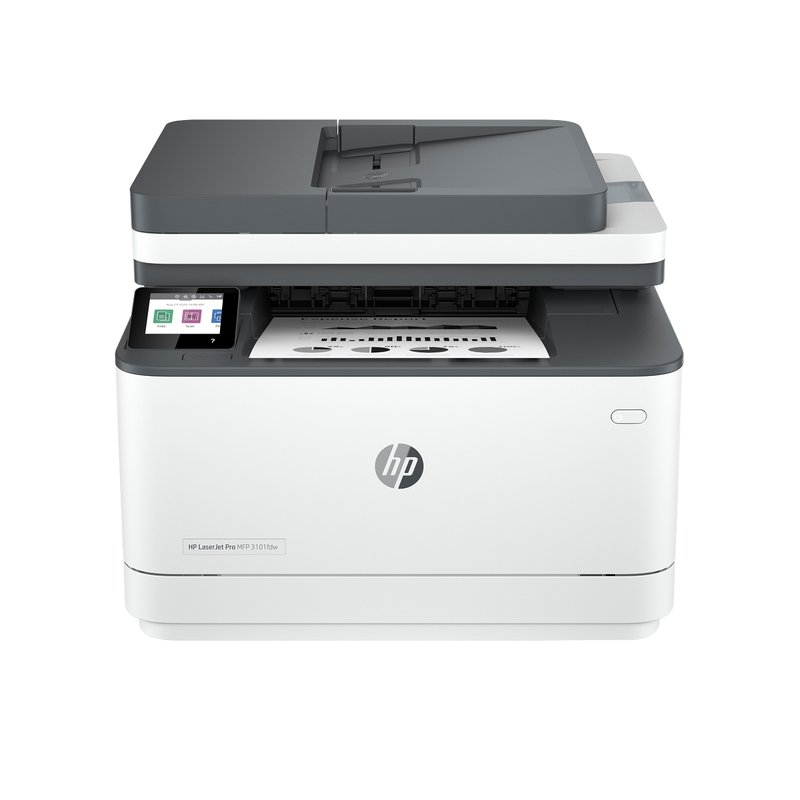
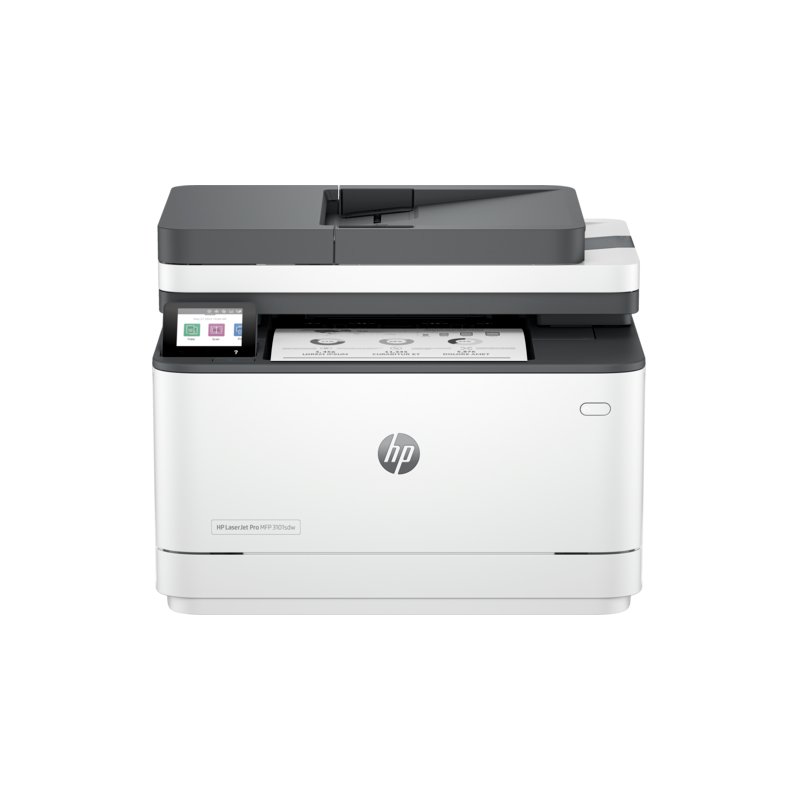
HP LaserJet Pro MFP 3101fdw

HP’s black-and-white all-in-one for a home office: print, scan, copy and fax, a 2.7-inch touchscreen and automatic two-sided printing. HP rates it at up to 35 pages per minute.

Why it stands out

  • HP 138X high-yield toner is rated at about 4,000 pages.
  • A 50-sheet document feeder and flatbed scanner, according to HP’s specifications.
  • Dual-band Wi-Fi, Ethernet and USB, with AirPrint and Mopria.
PrintsBlack only, auto 2-sided
SpeedUp to 35 ppm
Scan & copyFlatbed + 50-sheet feeder, fax
Toner (rated)HP 138X: 4,000 pages
ConnectWi-Fi, Ethernet, USB · AirPrint, Mopria

Good fit if

  • You prefer HP’s app and want fax in the box.
  • You print a few hundred pages a month.

Skip it if

  • You plan to use third-party toner: HP says it is intended to work only with cartridges that have a new or reused HP chip.
  • You need two-sided scanning in one pass.
Also worth a look

HP LaserJet Pro MFP 3101sdw

The same HP print engine and toner as the 3101fdw, without the fax. Forbes Vetted calls it its best midrange home printer.

Why it stands out

  • HP rates it at up to 35 pages per minute with automatic two-sided printing.
  • HP 138X toner rated at about 4,000 pages.
  • An introductory cartridge in the box that HP rates at about 1,000 pages.
PrintsBlack only, auto 2-sided
SpeedUp to 35 ppm
Scan & copyFlatbed + document feeder, no fax
Toner (rated)HP 138X: 4,000 pages
ConnectWi-Fi, Ethernet, USB · AirPrint, Mopria

Good fit if

  • You want an HP black-and-white all-in-one and never fax.

Skip it if

  • You want freedom to buy third-party toner — HP says this model may block cartridges with non-HP chips.
  • You need fax; choose the 3101fdw.
Also worth a look

Brother MFC-L3720CDW

A cheaper route to a color all-in-one with fax. It shares the toner and touchscreen of the MFC-L3780CDW, but Brother rates it at a slower 19 pages per minute, and its feeder scans one side at a time.

Why it stands out

  • Prints, scans, copies and faxes in color.
  • TN229XL cartridges rated at 3,000 pages black and 2,300 per color.
  • Starter cartridges rated at about 1,000 pages each.
PrintsColor (LED), auto 2-sided
SpeedUp to 19 ppm
Scan & copyFlatbed + 50-sheet feeder, fax
Toner (rated)TN229XL: 3,000 black / 2,300 color
ConnectWi-Fi, USB · AirPrint, Mopria

Good fit if

  • You want color copies and scans at home without paying for top speed.
  • You connect over Wi-Fi or USB and do not need Ethernet.

Skip it if

  • You need wired Ethernet: Brother lists none on this model.
  • You scan two-sided documents often.
Also worth a look

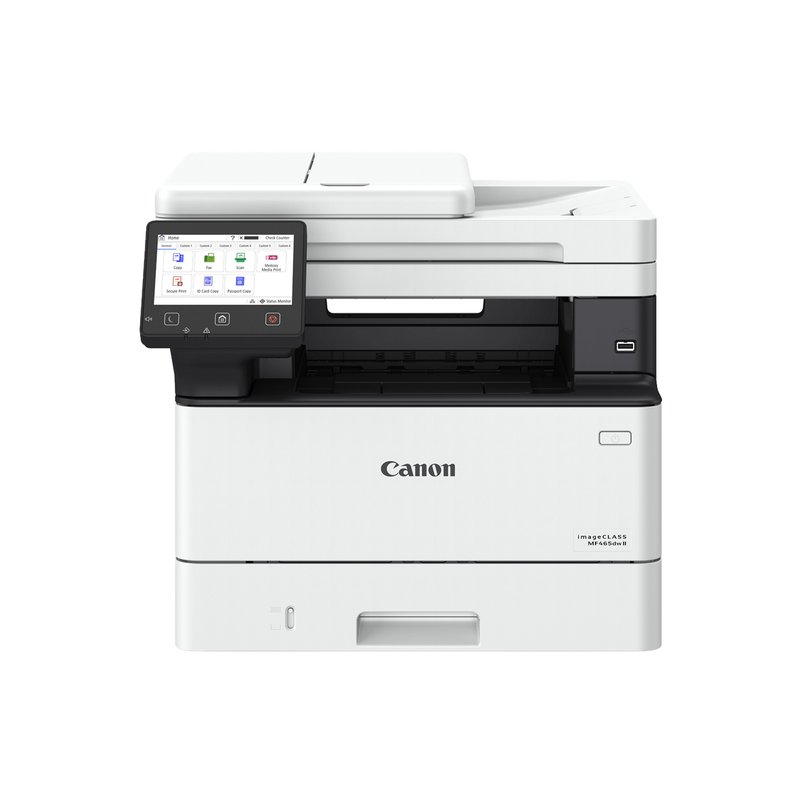
Canon imageCLASS MF465dw II

A fast black-and-white all-in-one built for heavier paperwork. Canon rates it at up to 42 pages per minute, its 50-sheet feeder scans both sides of a page in one pass, and it comes with a full-size toner cartridge. Canon’s support page and brochure list a three-year limited warranty, though Canon’s online store page mentions one year, so confirm before you buy.

Why it stands out

  • The box includes a standard Canon 070 cartridge rated at about 3,000 pages, not a reduced starter.
  • High-yield 070H toner is rated at about 10,200 pages.
  • A 250-sheet cassette plus a 100-sheet multipurpose tray, expandable to 900 sheets, and a 5-inch touchscreen.
PrintsBlack only, auto 2-sided
SpeedUp to 42 ppm
Scan & copySingle-pass 2-sided scan, 50-sheet feeder, fax
Toner (rated)Canon 070H: 10,200 pages
ConnectWi-Fi, Ethernet, USB · AirPrint, Mopria

Good fit if

  • You scan two-sided documents every week and print only in black.
  • You print several hundred pages a month: Canon recommends 750 to 4,000.

Skip it if

  • You need color.
  • Desk space is tight: Canon lists it at about 34 pounds and nearly 15 inches tall.

Canon’s online store has shown a “Discontinued” label beside “In Stock” on this model, while Canon’s support page lists no successor. Check the product page for current availability before you order.

Drowning in paperwork?

If you scan two-sided documents every week, pay for single-pass duplex scanning. It reads both sides of a page in one trip through the feeder.

What owners say ›

Tips

Three things that make the difference

01

Check how the feeder scans

Brother lists “Duplex Scanning: No” for the MFC-L2820DW’s feeder, while the MFC-L3780CDW advertises single-pass duplex scan and copy.

02

Decide on fax

Fax still comes on many all-in-ones; the MFC models and HP 3101fdw include it. If you never fax, a DCP or “sdw” model costs less.

03

Mind the footprint

All-in-ones are taller than print-only lasers. Brother lists the MFC-L2820DW at 12.5 inches tall and about 25 pounds.

Honest note

Brother’s black-and-white all-in-ones here scan in color (Brother lists color scan speeds), but they cannot make color copies. For color copies you need a color model such as the MFC-L3780CDW.

FAQ

Questions people ask

What is an all-in-one laser printer?

It is a laser printer with a scanner built in, so it can also copy, and often fax. Most have a flatbed for single pages and books, and many add an automatic document feeder for stacks.

Do I need an automatic document feeder?

If you scan or copy more than a page or two at a time, yes. A feeder pulls the stack through for you. Brother’s compact all-in-ones here have a 50-sheet feeder.

What is single-pass duplex scanning?

It means the scanner reads both sides of a page in one trip through the feeder. Brother advertises single-pass duplex scan and copy on the MFC-L3780CDW, while the MFC-L2820DW’s feeder scans one side only.

Can a black-and-white all-in-one scan in color?

Yes. Brother lists color scan speeds for the MFC-L2820DW and DCP-L2640DW, so you can scan color documents to your computer. You cannot make color copies on a black-and-white printer.

Do laser all-in-ones still include fax?

Many do. Brother’s MFC models include a fax modem, and HP’s LaserJet Pro MFP 3101fdw includes fax. Brother’s DCP-L2640DW and HP’s 3101sdw leave it out.

Will an all-in-one work with my phone?

Yes. Every pick here lists Apple AirPrint and Mopria, so iPhones and most Android phones can print without extra apps.

One machine for the paperwork, not three

Want the full picture? See our best home laser printer, compared by how you print, and the FAQ on toner, setup and running costs.