Best Home Laser Printer · Brother vs HP

Brother vs HP Laser Printer for Home Use

For most homes, Brother is the safer default: its home lasers use separate long-life drums, and Brother says its firmware does not block third-party toner. HP is worth it if you want its app and accept HP’s cartridge-chip rules. Our pick across both brands is the Brother MFC-L2820DW.

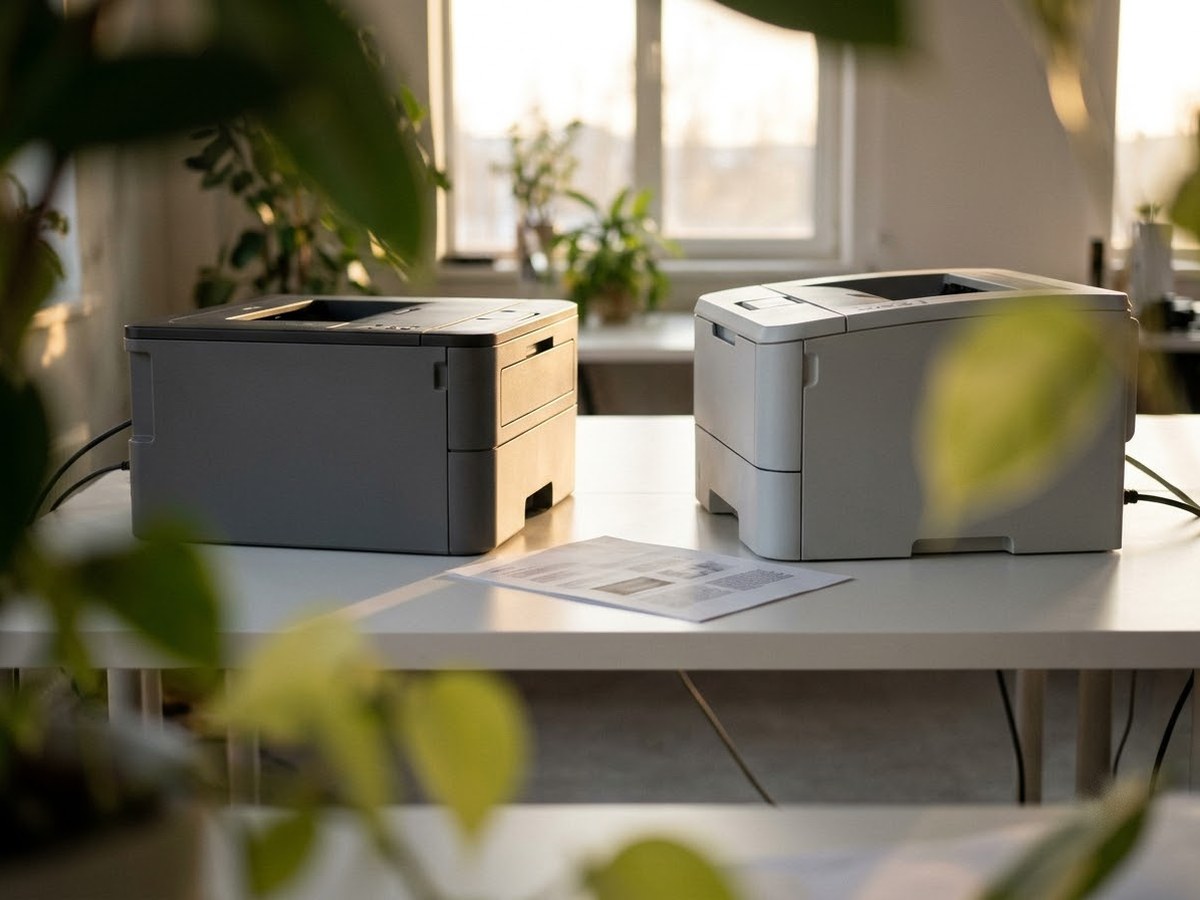
Two different plain laser printers facing each other on a white table

Our top 3

Top picks at a glance

Best Brother all-in-one#1
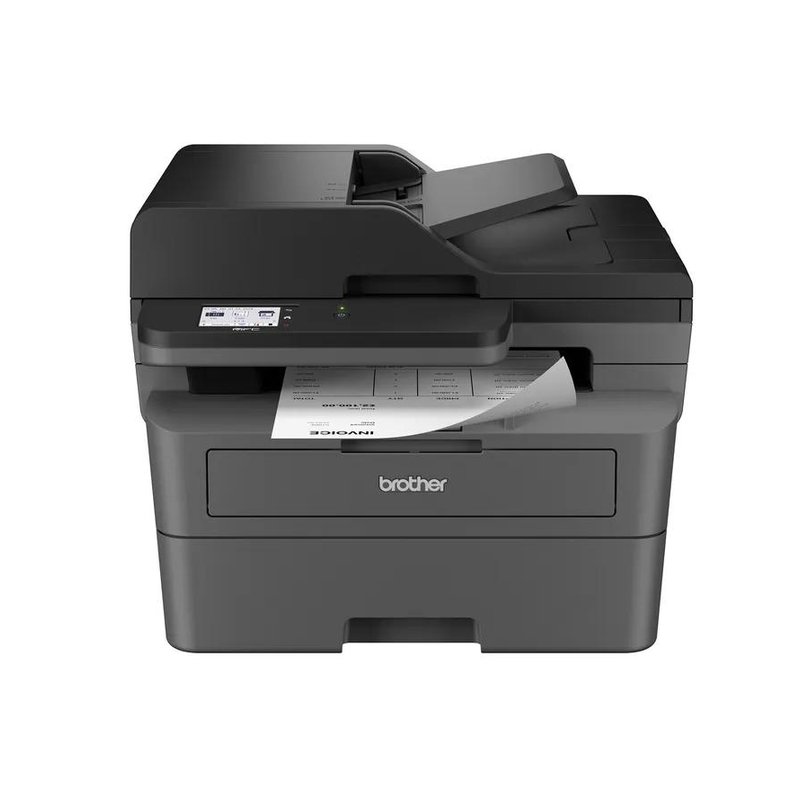
Brother MFC-L2820DW laser printer

Brother MFC-L2820DW

Mid-range price range

Print, scan, copy and fax with a 50-sheet feeder and auto two-sided printing.

What owners say ›
Best HP all-in-one#2
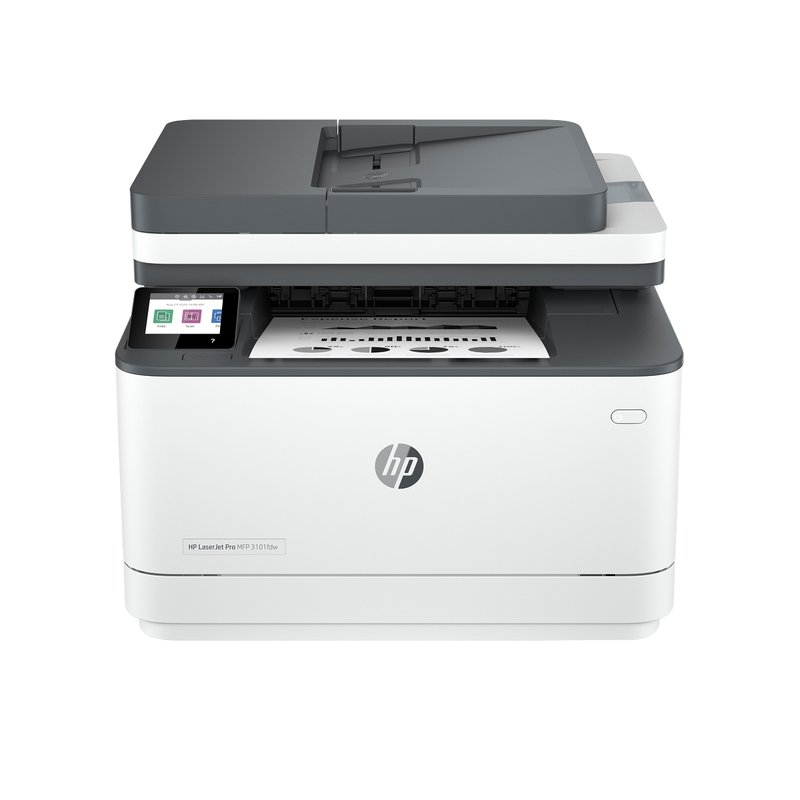
HP LaserJet Pro MFP 3101fdw laser printer

HP LaserJet Pro MFP 3101fdw

Mid-range price range

The HP equivalent: touchscreen, fax, and 138X toner HP rates at about 4,000 pages.

What owners say ›
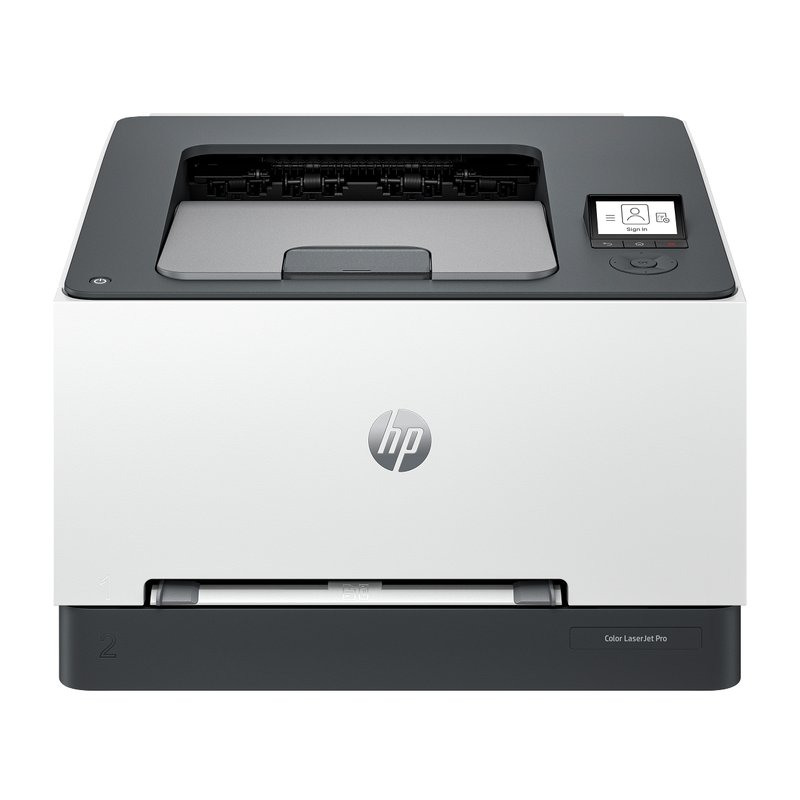
Best HP color#3
HP Color LaserJet Pro 3201dw laser printer

HP Color LaserJet Pro 3201dw

Mid-range price range

HP says it does not support Instant Ink, so there is no toner plan to manage.

What owners say ›

Brother vs HP, at a glance

BrotherHP
Cartridge chipsBrother says firmware does not block third-party toner; recommends GenuineDynamic security: works only with new or reused HP chips (per HP)
Account to printNot required; app and Refresh plan are optionalStandard models: account for full app features; HP+ “e” models required one (discontinued)
Toner subscriptionRefresh EZ Print, optionalInstant Ink for toner closed to new customers
Warranty1-year limited; +6 months via Mobile Connect app1-year limited
Mac printingAirPrint (no Mac drivers supplied)AirPrint

In detail

Who each one suits

Specifications and toner yields are each manufacturer’s own; fit notes draw on independent reviews and manufacturer guidance. We have not tested or used these printers ourselves.

Best Brother all-in-one#1

Brother MFC-L2820DW

For most homes that print mainly black-and-white documents, this is the one to start with. It prints, scans, copies and faxes, prints both sides of the page on its own, and has a 50-sheet document feeder for multi-page scans. Brother rates it at up to 34 pages per minute.

Why it stands out

  • Brother rates it at up to 34 pages per minute, with automatic two-sided printing and a 2.7-inch color touchscreen.
  • High-yield TN830XL toner is rated at 3,000 pages, and the drum is a separate part Brother rates at about 15,000 pages.
  • Prints from phones and laptops over Wi-Fi, Ethernet or USB, with AirPrint and Mopria built in; Brother’s toner subscription is optional.
PrintsBlack only, auto 2-sided
SpeedUp to 34 ppm
Scan & copyFlatbed + 50-sheet feeder, fax
Toner (rated)TN830XL: 3,000 pages
ConnectWi-Fi, Ethernet, USB · AirPrint, Mopria

Good fit if

  • You print letters, forms, homework and tickets, mostly in black.
  • You want to scan or copy multi-page documents without lifting the lid each time.
  • You still send the odd fax, or want the option.

Skip it if

  • You need color — look at the Brother MFC-L3780CDW instead.
  • You need to scan both sides of a page in one pass: the feeder here is one-sided.
  • You never scan or copy — the print-only HL-L2460DW costs less.

The box includes a starter cartridge that Brother rates at about 700 pages, so budget for a full-size toner fairly soon. Brother also sells this printer as the MFC-L2820DWXL bundle with extra toner in the box.
Best HP all-in-one#2

HP LaserJet Pro MFP 3101fdw

HP’s black-and-white all-in-one for a home office: print, scan, copy and fax, a 2.7-inch touchscreen and automatic two-sided printing. HP rates it at up to 35 pages per minute.

Why it stands out

  • HP 138X high-yield toner is rated at about 4,000 pages.
  • A 50-sheet document feeder and flatbed scanner, according to HP’s specifications.
  • Dual-band Wi-Fi, Ethernet and USB, with AirPrint and Mopria.
PrintsBlack only, auto 2-sided
SpeedUp to 35 ppm
Scan & copyFlatbed + 50-sheet feeder, fax
Toner (rated)HP 138X: 4,000 pages
ConnectWi-Fi, Ethernet, USB · AirPrint, Mopria

Good fit if

  • You prefer HP’s app and want fax in the box.
  • You print a few hundred pages a month.

Skip it if

  • You plan to use third-party toner: HP says it is intended to work only with cartridges that have a new or reused HP chip.
  • You need two-sided scanning in one pass.
Best HP color#3

HP Color LaserJet Pro 3201dw

HP’s compact color laser for home and small office. It prints both sides automatically and connects over fast Wi-Fi and Gigabit Ethernet. TechRadar recommends it in its laser printer guide.

Why it stands out

  • HP rates it at up to 26 pages per minute in black and color.
  • HP 218X cartridges are rated at about 3,200 pages black and 2,500 per color.
  • A one-sheet priority feed; HP lists labels, envelopes and cardstock, and postcards up to 176 g/m².
PrintsColor, auto 2-sided
SpeedUp to 26 ppm
Scan & copyPrint only
Toner (rated)HP 218X: 3,200 black / 2,500 color
ConnectWi-Fi, Gigabit Ethernet, USB · AirPrint, Mopria

Good fit if

  • You want color and prefer HP’s app and support.
  • You print color only now and then, so toner lasts.

Skip it if

  • You want to use cheaper third-party toner: HP says it may prevent cartridges with non-HP chips from working.
  • You want a touchscreen; it has a small two-inch display.

HP says this model does not support an Instant Ink plan, so there is no toner subscription to manage.

Also worth a look

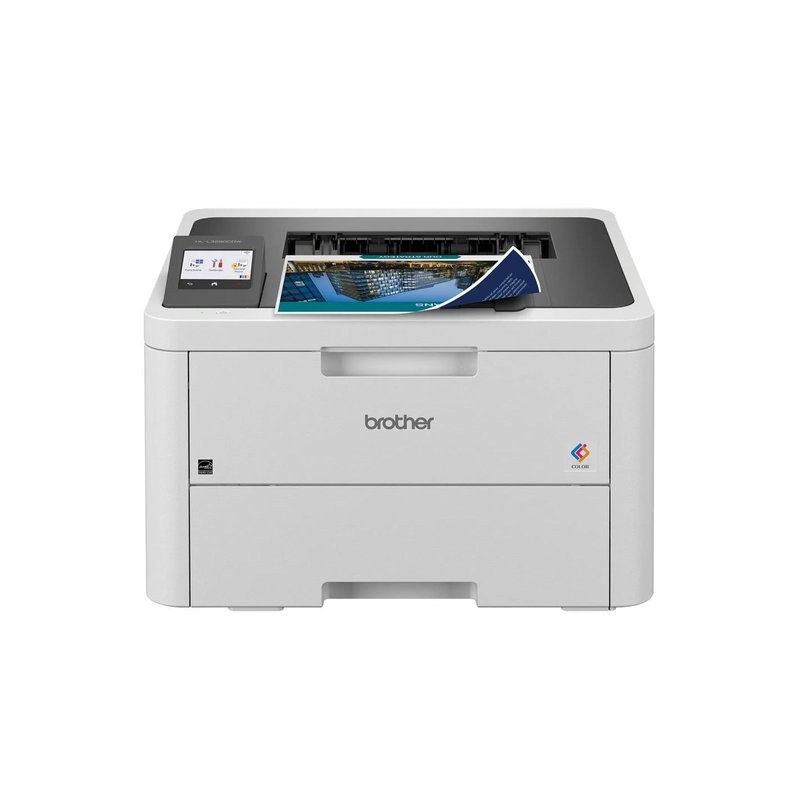
Brother HL-L3280CDW

The color printer for a home that mostly prints documents but wants color when it matters. It prints both sides automatically, has a 2.7-inch touchscreen and fast wired and wireless networking, and Brother rates it at up to 27 pages per minute in color and black.

Why it stands out

  • High-yield TN229XL cartridges are rated at 3,000 pages black and 2,300 pages per color.
  • Starter cartridges in the box are rated at about 1,000 pages each, more than many printers include.
  • The drum, belt and waste-toner box are separate parts, so a worn part does not mean a new printer.
PrintsColor (LED), auto 2-sided
SpeedUp to 27 ppm
Scan & copyPrint only
Toner (rated)TN229XL: 3,000 black / 2,300 color
ConnectWi-Fi, Gigabit Ethernet, USB · AirPrint, Mopria

Good fit if

  • You print school projects, charts and flyers as well as black documents.
  • You want color without an inkjet’s drying-out problem.
  • You scan with your phone or do not need a scanner.

Skip it if

  • You print photos often — Consumer Reports says lasers do worse than inkjets on photos.
  • You need to scan or copy; the MFC-L3780CDW adds that.

Strictly speaking this is an LED printer: Brother lists its print technology as “Digital Color LED” with “laser quality output.” It uses toner cartridges and a drum like the laser models on this page.

Also worth a look

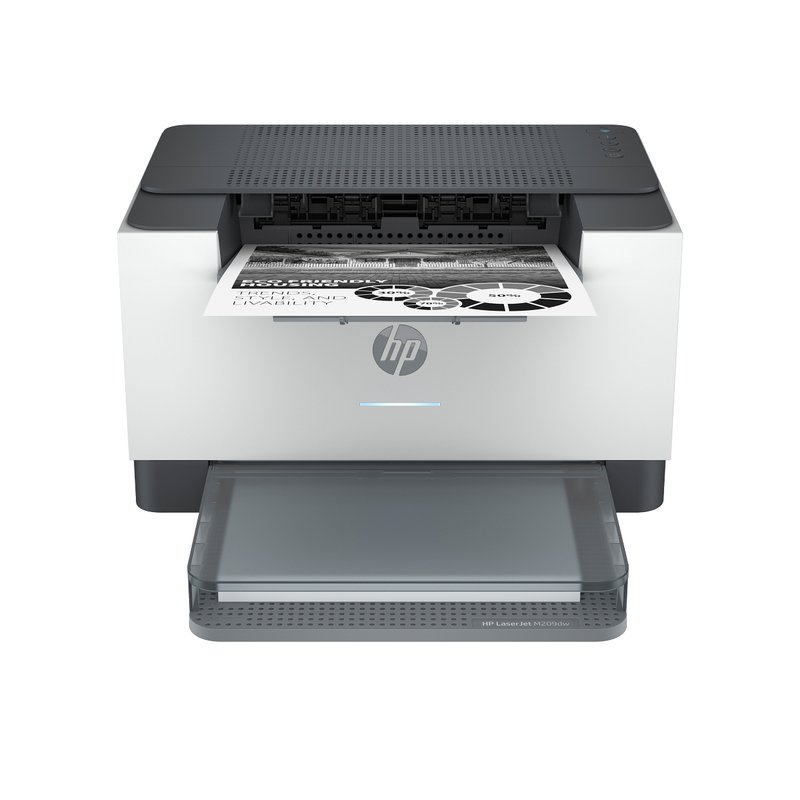
HP LaserJet M209dw

A small, low-cost black-and-white laser with automatic two-sided printing, Wi-Fi and Ethernet. It is the standard version, not the discontinued M209dwe “HP+” model, and HP’s page for it lists no account or internet requirement for printing.

Why it stands out

  • HP rates it at up to 30 pages per minute.
  • HP 134X high-yield toner is rated at about 2,400 pages.
  • HP lists AirPrint, Mopria and Wi-Fi Direct.
PrintsBlack only, auto 2-sided
SpeedUp to 30 ppm
Scan & copyPrint only
Toner (rated)HP 134X: 2,400 pages
ConnectWi-Fi, Ethernet, USB · AirPrint, Mopria

Good fit if

  • You want a Budget-tier laser with auto two-sided printing.
  • You print small batches of black-and-white pages.

Skip it if

  • You want to use third-party toner: HP says the printer works only with cartridges that have a new or reused HP chip.
  • You fill big print jobs; the input tray holds 150 sheets.

Still torn between the two?

Decide on cartridge flexibility first. That single difference shapes what you pay for years.

See customer reviews ›

Tips

Three things that make the difference

01

Check the model name for an “e”

HP says HP+ models carry an “e” and require an HP account, internet and original HP supplies. HP has discontinued its HP+ LaserJets, but some may still be sold.

02

Read the cartridge-chip note

HP product pages say some LaserJets work only with cartridges that have a new or reused HP chip, and firmware updates may block others.

03

Know Brother’s subscription is optional

Brother’s Refresh EZ Print plan is optional; Brother warns that Refresh cartridges may stop working if you cancel.

Honest note

HP settled a US class action over dynamic security firmware without paying class members or admitting wrongdoing, and agreed to keep letting users decline such updates, according to The Register. Brother has denied that its firmware blocks third-party toner, according to Tom’s Hardware.

FAQ

Questions people ask

Is Brother or HP better for a home laser printer?

For most homes, Brother, because Brother says its firmware does not block third-party toner and its drums are separate, long-life parts. HP suits people who prefer its app and plan to buy HP toner anyway. Prices vary by model, so compare the exact pair you are considering.

Do HP laser printers need an HP account?

Not the standard models. HP says an HP account is required for full functionality of its app features. The discontinued HP+ “e” models required an account and internet connection to operate.

Can I use third-party toner in HP or Brother lasers?

HP says LaserJets like the M209dw and 3101fdw work only with cartridges that have a new or reused HP chip. Brother recommends its own toner but has said its firmware does not block third-party cartridges.

Is HP Instant Ink available for laser printers?

Not for new customers. HP says it has discontinued Instant Ink for toner and no longer enrolls new customers for LaserJet 100, 200, 3000 or 4000 series printers.

Which brand has cheaper toner?

Compare by rated yield. Brother rates its TN830XL at 3,000 pages and HP rates its 134X at about 2,400. Divide price by yield for the models you are considering.

What about Canon?

Canon’s imageCLASS line is a solid third option. Canon’s 2023 launch release says several imageCLASS lines carry a three-year limited warranty, longer than Brother’s or HP’s one year on the models here.

Pick the brand by its rules, not its logo

Want the full picture? See our best home laser printer, compared by how you print, and the FAQ on toner, setup and running costs.